Have you ever wanted to turn your photos into a moving video? Google has made that easier with its new update. It’s called Veo 3.1. This tool helps you create fun videos quickly. It’s perfect for sharing on social media. Let’s learn more about it.
What Is Veo 3.1?
Veo 3.1 is a smart tool from Google. It uses AI to make videos. AI means artificial intelligence. It’s like a computer that thinks and creates things. Veo can take words or pictures and turn them into videos. The new version is better than before.
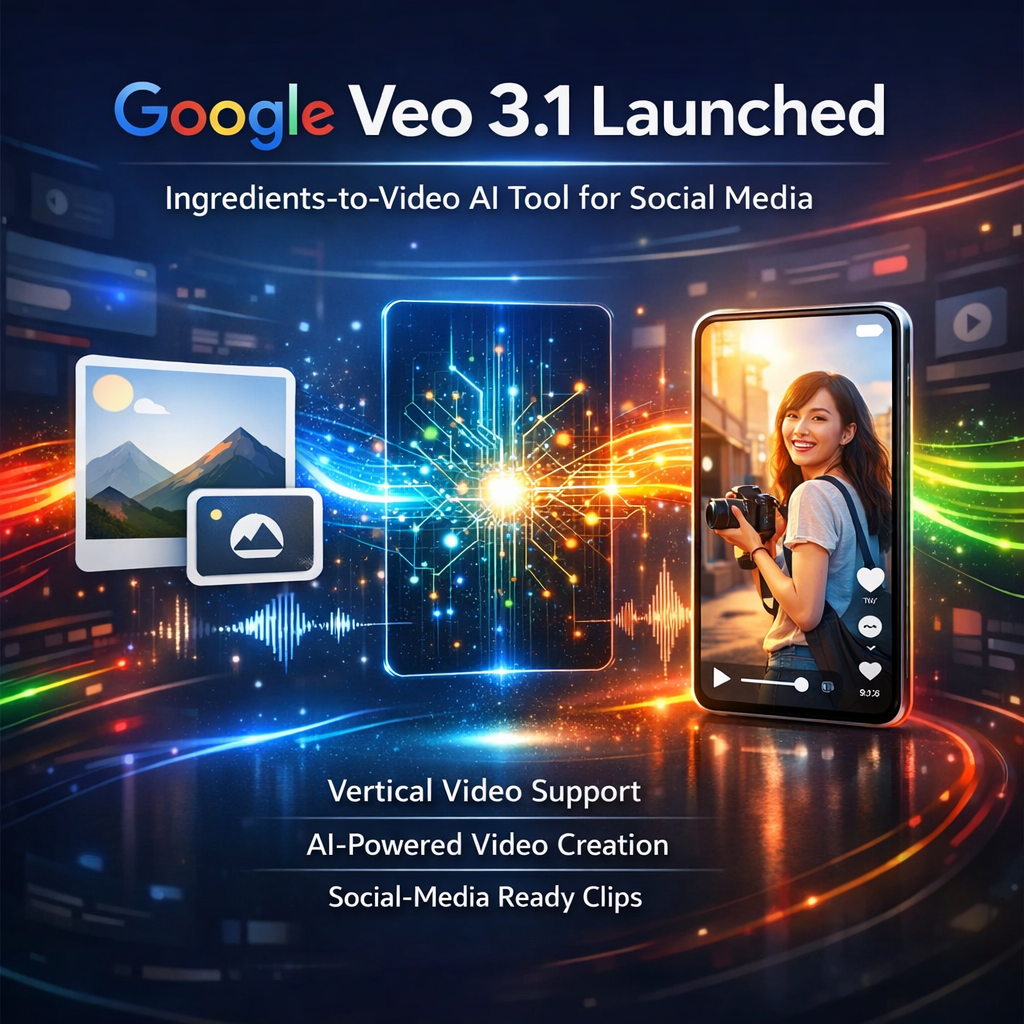
In the past, Veo made videos from text. Now, it has a special part called Ingredients-to-Video. This lets you use pictures as “ingredients.” The tool mixes them to make a video. It’s like cooking with photos!
Google shared this news on their blog. You can read more about it on Google’s Keyword Blog. They say it makes videos more fun and real.
Why Is This Update Big News?
People love sharing videos on phones. Social media apps like Instagram and TikTok use tall videos. Before, Veo made wide videos. You had to cut them to fit. Now, Veo 3.1 makes tall videos right away. No more cutting!
It also makes videos sharper. You can make them in 4K quality. That’s very clear, like watching a movie. The tool keeps things the same in the video. If you have a person in your picture, they look the same all through the video.
Sounds are better too. Veo adds noise, music, or talking that fits the video. It’s all made by the AI.
How Does Ingredients-to-Video Work?
Ingredients-to-Video is the star of this update. Here’s how it works in simple steps.
First, you pick up to three pictures. These can be of people, places, or things. For example, a photo of your dog, a park, and a ball.
Then, you write a short note. This is called a prompt. It tells the AI what to do. Like, “Make my dog chase the ball in the park.”
The AI mixes your pictures and makes an 8-second video. It’s quick and easy.
Google says this makes videos more creative. Even if your note is simple, the video looks lively. Things move in fun ways. People in the video can talk or make faces that match the story.
You can try this in apps like Gemini. Gemini is Google’s chat app with AI. Just upload your pictures and ask for a video.
For more details on how to use it, check out Google AI for Developers. They have guides for beginners.
Examples of What You Can Make
Imagine you have a picture of a cake, some fruit, and a kitchen. You can make a video of baking the cake. The fruit rolls around. The cake bakes with fun sounds.
Or, take photos of your friends, a beach, and a sunset. Make a video of them playing in the sand as the sun goes down.
Business people use it too. In Google Vids, which is for work, you can make videos about products. Upload a photo of your toy, a kid, and a room. Make a video showing the kid playing with the toy.
Google added this to Google Vids last month. Now, it’s even better with tall videos. Read about it on Google Workspace Updates.
Where Can You Use Veo 3.1?
Veo 3.1 is in many Google tools. This makes it easy for everyone.
In the Gemini App
Gemini is a free app on phones. You can chat with AI. Now, it has Veo. Upload pictures and make videos right there.
Google says it’s rolling out now. If you have the app, try it. For tips, see Gemini AI Video Generator.
In YouTube Shorts and Create App
YouTube is for watching videos. Shorts are short, fun clips. Now, you can use Veo to make them.
Go to YouTube Create app. Pick Ingredients-to-Video. Add your pictures. Make a tall video for Shorts.
Creators are excited. One post on YouTube’s help page says it’s now live. Check it out on YouTube Community.
In Google Vids for Work
Google Vids is for making work videos. Like explaining ideas or showing products. Now, it uses Veo 3.1.
You can make tall videos for social media. It’s great for teams. Learn more on Google Workspace Updates from November.
In Flow and Other Pro Tools
Flow is for movie makers. It uses Veo to make longer videos. Now, with better sounds and clear pictures.
Pro users can upscale to 4K. That’s super sharp. Developers use it in Vertex AI or Gemini API.
See examples on DeepMind’s Veo Page.
What People Are Saying on Social Media
Many people are talking about Veo 3.1 online. Let’s look at some posts.
From X (Formerly Twitter)
Sundar Pichai, Google’s boss, shared the news. He said, “Today, Veo 3.1 Ingredients to Video is getting more expressive + portrait mode has arrived (we heard you!) You can now create vertical clips with livelier movement and better control directly in the @Geminiapp, @YouTube & Google Vids.”
See his full post on Sundar Pichai on X.
Another user, Nishi, posted a video. She said, “Google is rolling Veo 3.1 updates across Gemini, Flow, AI Studio and APIs. Vertical formats support, Veo 3.1 Ingredients to Video, Improved ingredients to video consistency, Upscaling to 1080p and 4K, Verification of AI-generated videos in Gemini.”
Watch it on Nishi on X.
Futurepedia shared too. They listed key updates like vertical videos and better consistency. Check it on Futurepedia on X.
From Reddit
On Reddit, people share demos. In r/VEO3, one user tested Ingredients-to-Video. They said, “I had a chance to play around with Veo 3.1 over the weekend. This isn’t a full review, just a quick look at two features: The ability to insert or add objects into an existing video. The “Ingredients to Video” feature, which lets you use reference images to control look, style, and scene composition.”
Read the thread on Testing Veo 3.1 on Reddit.
Another post in r/singularity says, “Google is rolling Veo 3.1 updates across Gemini, Flow, Al Studio and APIs. Vertical formats support. Veo 3.1 Ingredients to Video. Improved ingredients to video consistency.”
Join the talk on Veo 3.1 Updates on Reddit.
In r/Google_AI, they note the new vertical formats and 4K upscaling. See it on New Veo 3.1 Update on Reddit.
New Veo 3.1 update now includes Vertical formats and upscaling to 4K Video
byu/Capable-Ask7335 inGoogle_AI
From Facebook
Google posted on Facebook. They said, “Our latest AI video generation model, Veo 3.1, is getting more expressive, with upgrades that bring new creative possibilities to everyone. More fun & creative videos based on your ingredients images: We’ve upgraded Ingredients to Video to help you create fun, high-quality clips using your own ingredient images.”
View it on Google on Facebook.
Another group shared, “Google just launched 5 BIGGEST UPDATES for VEO 3.1! Consumers and creators: We are bringing Veo 3.1 Ingredients to Video directly to YouTube Shorts and the YouTube Create app for the first time.”
Check the post on Yik Chan Ltd on Facebook.
Techmeme talked about improvements. They said, “Google makes improvements to Veo 3.1’s Ingredients to Video feature to make videos more expressive, and adds native vertical video generation and 4K upscaling.”
Read more on Techmeme on Facebook.
Why Is This Good for Social Media?
Social media loves short videos. TikTok and Reels are full of them. Veo 3.1 makes it easy to create for these.
No need for fancy cameras. Just use your phone photos. Add a prompt. Get a video ready to post.
It’s fast. Videos are 8 seconds long. Perfect for quick shares.
Google made it for mobile-first. That means it works great on phones.
For more ideas, watch a YouTube video on Use Images to Create Social-Ready Videos.
Safety and Rules in Veo 3.1
Google cares about safety. Videos made with Veo have a watermark. It shows it’s AI-made.
They check to stop bad content. Like things that are not nice or fake.
In Gemini, you can now check if a video is AI-made. Upload it and ask.
This helps keep things real online.
Learn about it on Google’s Safety Page.
How to Get Started?
Want to try Veo 3.1? Here’s how.
- Get the Gemini app. It’s free.
- Sign in with Google.
- Go to video tools.
- Upload up to 3 pictures.
- Write your prompt.
- Make the video!
For pro stuff, try Flow. It costs money but has more features. See pricing on Flow About Page.
Developers can use the API. Guides are on Google AI Studio.
The Future of AI Videos
Veo 3.1 is a big step. AI is changing how we make videos. Soon, anyone can be a movie maker.
Companies like Promise Studios use it for stories. Volley makes games with it.
Google keeps updating. Maybe longer videos next.
For now, enjoy making fun clips for social media.
If you want to see demos, check Higgsfield AI. They compare Veo to others.
Final Thoughts
Google’s Veo 3.1 with Ingredients-to-Video is exciting. It’s easy, fun, and made for sharing. Turn photos into videos in seconds. Share on social media without hassle.
Try it today. Who knows what cool things you’ll create!